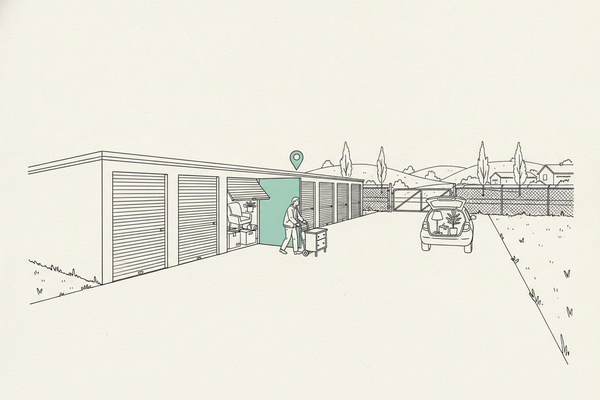
Virtual Office for Google Business Profile: When It Works, When It Wrecks You
A downtown address is tempting. Better map visibility, a nicer part of town, maybe a shot at ranking where the money lives. Here's when a virtual office is fine for Google Business Profile and when it's a suspension waiting to happen.

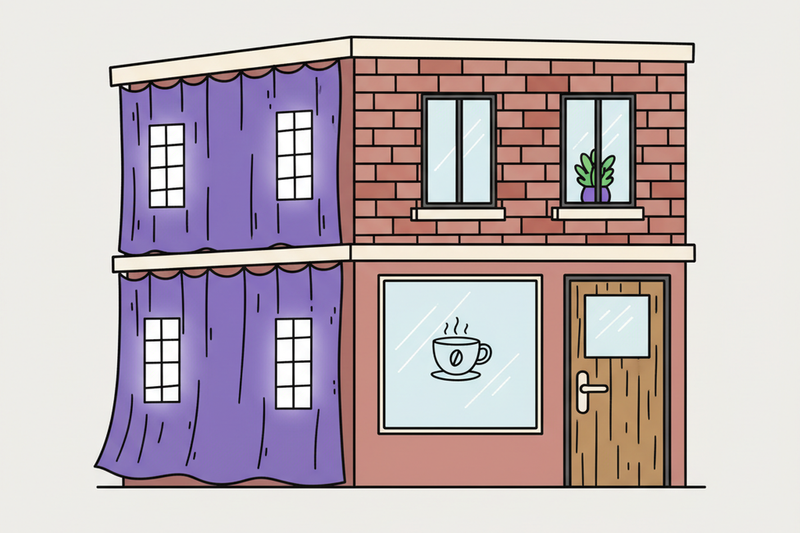
A downtown address looks tempting. Better map pin, nicer part of town, maybe a shot at ranking where the money is.
But Google Business Profile isn't a mailing-address game. If your virtual office is only there to borrow credibility, you're asking for a suspension. The short version: a virtual office can work, but only when it acts like a real one.
The short answer: yes if it's real, no if it's rented theater
Google's business eligibility guidelines say it plainly. Your profile needs a real business presence, with in-person contact during the hours you list.
A virtual office can pass that test only when it acts like a real office for your business. Not a mailbox. Not a mail drop. Not a room you rent on paper and never use.
If nobody from your business is there during posted hours, don't put that address on your profile.
This is where a lot of suspensions start. A business grabs a virtual office to rank in a nearby city, gets verified, then gets flagged a few months later. Verification isn't the same as long-term eligibility. Google can pull the profile any time it decides the address is a costume.
Three questions cut through the noise:
- Can customers actually meet you there?
- Is your team present during posted hours?
- Could you prove it's a real operating location if Google asked?
If the answer is no, hide the address and run the profile as a service-area business. That's the cleaner move for most contractors, mobile pros, and home-based businesses.
When a virtual office address can work
There's a narrow lane where it's fine.
If you rent a real office, staff it, meet customers there, receive mail there, and use that exact address everywhere, you're on firmer ground. Google's guidance says the address should match a place Google can actually find and verify.
Think of it this way. A real office is a place your business lives. A fake office is a costume.
A law firm with a private office inside a shared building, staffed during business hours, can usually use that address. A pressure washing company paying for receptionist and mail handling at a coworking spot, never working there, never meeting customers there, should not.
And a fancy suite number doesn't save a weak setup. Google cares about real-world presence, not office cosplay.
Bad address choices don't stay contained. Once you push that address into your profile, site footer, and citations, the cleanup gets ugly fast. If you want a clean baseline, work through our Google Business Profile optimization checklist before you commit to an address.
What to do instead if you don't have a true office
If you travel to customers, stop trying to look like a storefront. Pick the setup that matches the business you actually run.
It's the heart of service-area business setup. If customers come to you, show the address. If you go to them, hide the address and set service areas. That's how Google wants the profile to mirror reality.
The better play is boring, and boring works. Keep your name, address, and phone consistent everywhere. Don't spray a shaky address across the web. Then work the signals that actually move the Map Pack: reviews, categories, services, posts, and photos.
That foundation gives you a real shot at ranking for near-me searches without gambling on an address that can get pulled later. If you're still figuring out the basics, start with what local SEO is for a small business.
If you already use a virtual office and you're nervous, don't panic. First, check whether the location is truly staffed and customer-facing. If it isn't, switch to the honest version now. A clean service-area setup beats a suspended profile every time.
Why this rule matters across industries
It isn't only a contractor problem. Law firms, accountants, real estate agents, med spas, veterinarians, and personal injury attorneys all get tripped up by the same address shortcut.
Bad source data poisons everything downstream. If your location is shaky on Google, it's usually messy in Apple Maps, Bing, and the data aggregators feeding directories across the web. And the same applies to AI search surfaces. ChatGPT, Perplexity, and Google's AI Overviews all lean on clean local data. A questionable address shows up everywhere.
Want to know what Google actually weighs when deciding who ranks in the Map Pack? Read our breakdown of Google Maps ranking factors.
The bottom line
A virtual office can work for Google Business Profile, but only when it's a real operating location. If it's there to borrow a better address, it's a risk, not a strategy.
Most businesses are better off telling the truth, hiding the address when needed, and building steady local signals around a clean profile. That's how you defend the Map Pack without turning your listing into a suspension magnet.
Not sure your setup passes the smell test? Get the profile checked before you publish that address.