GBP Verification Postcard Won't Arrive? Do This Instead.
GBP verification postcards take 5-14 days but delays to 25+ happen. Here's how to stop invalidating your code, speed up delivery, and switch methods when postcards fail.

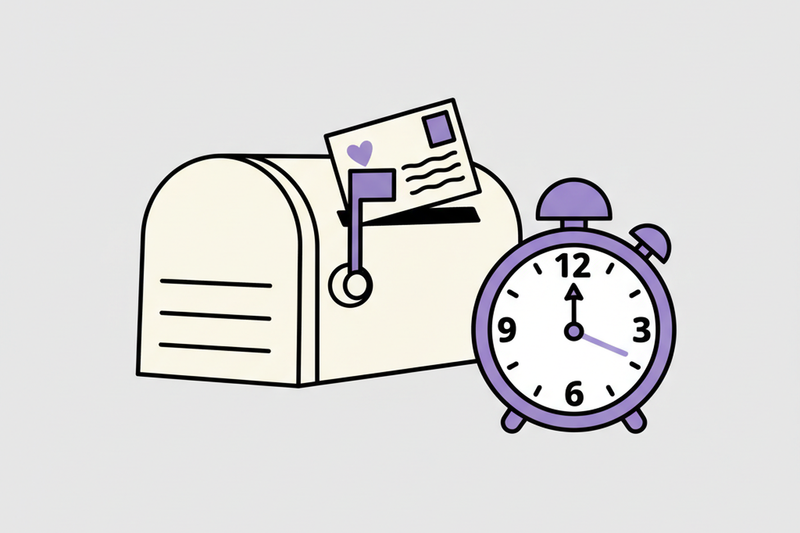
You request your Google Business Profile verification postcard, then you wait. And wait. Meanwhile, your competitor sits in the Map Pack on Google Maps collecting calls like it's a hobby.
If your Google Business Profile verification postcard isn't arriving, it usually isn't "random." It's almost always one of three things: you weren't eligible for postcard delivery at that address, your request got invalidated (often by a small edit), or the mail is simply slow right now.
As of March 2026, postcard delivery commonly lands in 5 to 14 days, but delays up to 25+ days happen. The fix is boring, which is good. You'll confirm Google Business Profile eligibility, request the right way, then switch methods when Google opens the door.
Confirm you can receive a postcard (before you request again)
Postcards only work when Google can mail to a real, staffed business location. That sounds obvious until you've watched a business try to verify at a place that can't reliably accept mail.
Run this quick pre-flight check before you hit "Request another code" to manage your business:
- Your physical address is deliverable: No P.O. boxes, no "weird" formats, no missing unit or suite number.
- Your signage is real: If you operate from a storefront or office, you should have visible business signage. Google may push you to video if it can't trust the business location.
- Your mail process is tight: If you share a building, confirm who receives mail and where it goes. Postcards look like plain junk mail.
- Your details match real life: Business name, address, and primary category should reflect your actual operation, not a marketing wish list.
Also, decide what you're verifying at your business location. A storefront with customers coming in is different from a service-area business that travels to customers. Google handles those differently, and mismatches can trigger extra checks.
If you want Google's official postcard steps (and the rules that trip people up), keep this bookmarked: postcard verification instructions.
One more thing: if you're tempted to "just publish a few blog posts while you wait," save your energy. Local discovery starts in your Google Business Profile and the Map Pack. Proper setup is key to get your listing live. If verification is stuck, everything else is noise.
Make the postcard arrive faster by removing the usual blockers
Most postcard delays aren't about speed, they're about preventable friction. Clean up the friction and you stop restarting the clock.
Stop invalidating your own code
Google often cancels the verification code when you edit key fields in your business information. Owners do this constantly because they get nervous and start "fixing" things.
If your GBP verification postcard isn't arriving, don't edit your business name, address, or category while you're waiting. Those changes can invalidate the verification code and force a new mailing cycle.
Even "small" tweaks can trigger a re-check, especially if you change anything that helps Google understand location and legitimacy.
Tighten address formatting like you're shipping a passport
Treat the address line like it's going on a legal document. Use the exact USPS-style format your customers see on invoices and receipts, the kind that matches Google Maps. Include suite numbers. Avoid extra descriptors in the address line (like cross-streets or landmarks).
If you're in a complex building, do two things today:
- Tell whoever handles mail what the postcard looks like, plain, small, easy to toss.
- Put your business name on the mailbox, mailroom directory, or street signs if possible.
Reduce trust gaps before you request again
Google doesn't say "we don't trust this," it just slows you down.
A simple way to lower friction is to align your business information across the web, then confirm your site ownership. In practice, that means your website, directories, and social profiles should match your GBP name and address. If you can, verify your site in Google Search Console before retrying verification. It won't guarantee anything, but it often helps.
Request the code the right way, then switch methods when Google allows it
Here's the part that saves the most time: you need a clean request, a calm waiting window, then an escalation plan.
Request a new postcard without restarting the cycle (again)
Wait a full 14 days after requesting, unless Google tells you otherwise. Then follow this order:
- Confirm the address is perfect (including suite/unit).
- Request a new code inside your Google Business Profile manager (requesting a new one cancels the old one).
- Do not edit key fields until it arrives and you enter the five-digit code.
- Check mail daily, including with reception or the mailroom.
In March 2026, it's normal to see delivery drift. If you're at day 16, you're not cursed. You're just stuck in a slow lane.
Know when it's time to switch verification methods
Google decides what verification methods you can use. Still, once you've had repeated postcard failures, you should push for a different verification method instead of playing mailbox roulette forever.
This table sets expectations so you know what "normal" looks like:
Verification method | Typical time | When it's your best option
Postcard | 5 to 14+ days (sometimes 25+) | Physical locations that can reliably receive mail
Phone verification or email verification | Minutes to hours | If Google offers it in your profile, take it
Video verification | Up to about 5 business days for review | When postcards fail, or Google wants proof of signage/location
Instant verification | Immediate | Some businesses qualify based on account and trust signals
If you've requested multiple postcards and you're still empty-handed after about 25 days, contact support through the Help Center and ask what other verification methods you qualify for, or inquire about a live video call. Google's options change by business type, category, and account history, so persistence matters.
Once verified, turn your profile into a call generator
Verification is the door. Now you walk through it.
This is where most businesses lose time. They celebrate the verification, then let the profile sit half-finished for months. Meanwhile, the Map Pack rewards the operators who keep basic signals tight every week.
Focus on the stuff that moves both rank and conversion in your Google Business Profile:
- Categories and attributes that match what you actually sell
- Photos and short clips that provide proof of management and showcase business equipment (phone-quality is fine)
- Q&A and posts that answer buyer questions before they call
- A review flywheel that drives volume, steady pace, and service keywords in customer language
In our own work, we've seen what happens when you treat your Google Business Profile like the main decision screen, because it is. One home service business moved from #9 to #3 in the Map Pack in about 60 days, and calls rose 38% after tightening Google Business Profile, reviews, and supporting local SEO signals. A med spa improved its average rating by about 1.1 stars in 90 days, doubled review pace, and saw bookings climb.
No magic, no hype, just cadence. Manage your business with consistent profile maintenance.
Conclusion
If your GBP verification postcard isn't arriving, don't keep hammering "request again" and hoping. Confirm you can receive mail, lock the profile so you don't invalidate the code, then switch methods once Google allows it. After you're verified, check your verification status and keep the momentum by building the signals that defend the Map Pack.
For businesses with multiple locations or complex issues, consider bulk verification during support hours.
See how Curve's $500/month plan works for your Google Business Profile.